Client Selection List客户端选择清单
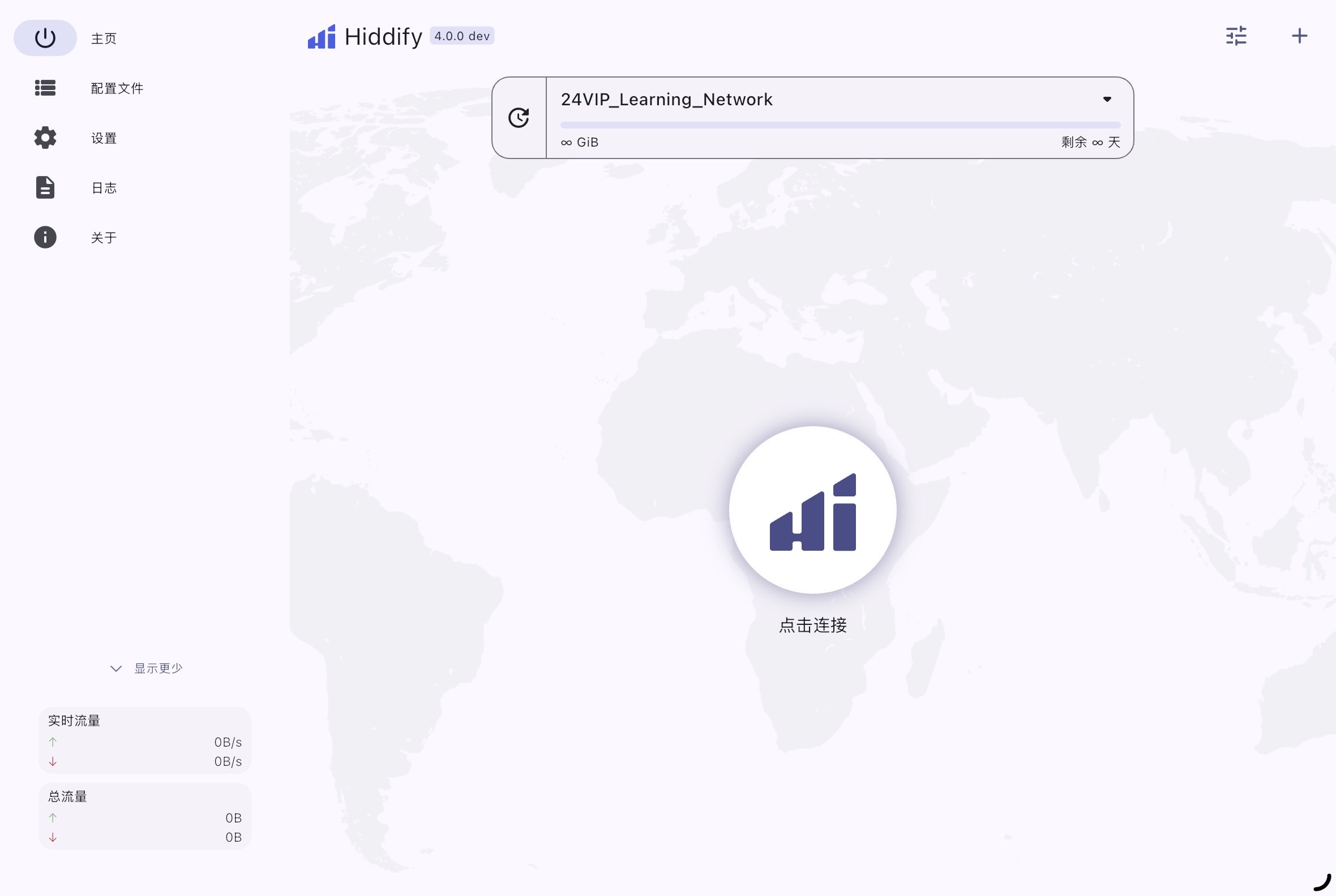
Hiddify Cross-Platform
Next-generation cross-platform proxy client with auto-routing新一代全平台通用客户端,支持智能路由与极简配置
Step 1: Download
Click the button above to visit GitHub and download the appropriate installer for your system (Windows, macOS, Android, etc.).
Step 2: Add Profile
Open Hiddify, click "New Profile" or the "+" button, and paste your exclusive subscription URL.
Step 3: Connect
Click the large connect button in the center of the home screen to start the proxy service.
第一步:下载安装
点击上方按钮前往 GitHub,下载对应您设备系统(Windows、macOS、Android 等)的安装包并完成安装。
第二步:导入配置
打开 Hiddify,点击主界面的 “添加配置” 或右上角 “+” 号,将您的专属专线链接粘贴进去并保存。
第三步:一键连接
返回软件主界面,点击正中央的巨大连接按钮,即可全自动开启极速专线网络。
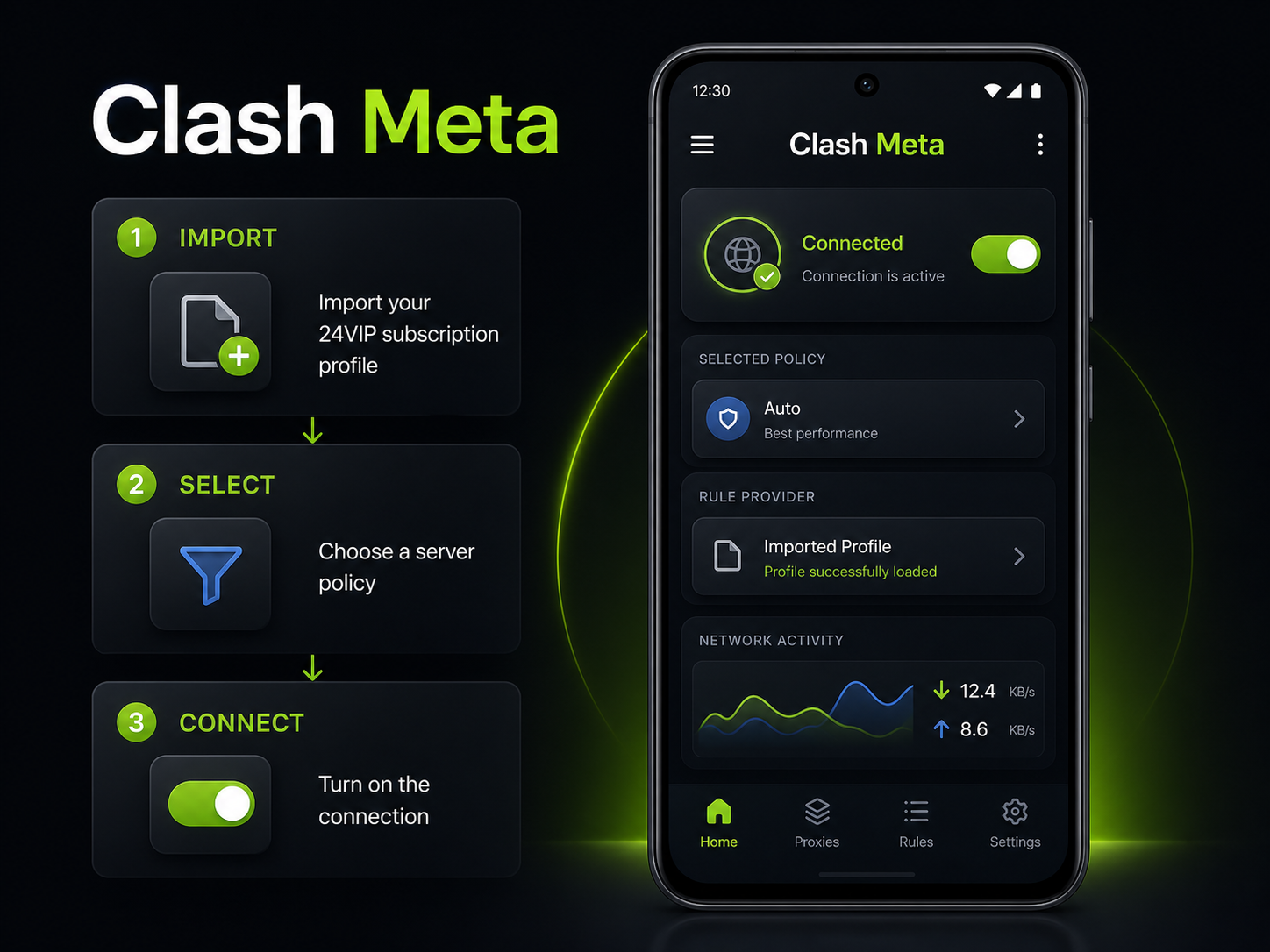
Clash Meta Android
Rule-based Android client powered by the Mihomo/Clash.Meta core基于 Mihomo / Clash.Meta 内核的 Android 规则分流客户端
Step 1: Install
Open the official Releases page, expand the latest stable release, and download the APK matching your Android device. Most modern phones use arm64-v8a.
Step 2: Import from 24VIP
Open your 24VIP subscription page and tap “Import to Clash Meta”. Approve opening Clash Meta, then save the new profile. You can also use Profiles → “+” → URL to paste the Clash-format subscription.
Step 3: Connect
Select the imported profile, choose a proxy group or node, keep rule mode enabled, and start the VPN service.
第一步:下载安装
进入官方 Releases 页面,展开最新稳定版本并下载适合设备的 APK。大多数新款 Android 手机请选择 arm64-v8a。
第二步:从站点导入
打开 24VIP 订阅详情页,点击 “导入到 Clash Meta”,允许浏览器唤起客户端并保存配置;也可在“配置 / Profiles”中点击“+”,通过 URL 粘贴 Clash 格式订阅。
第三步:连接
选中刚导入的配置,进入策略组选择线路,保持规则模式,然后启动 VPN 服务。
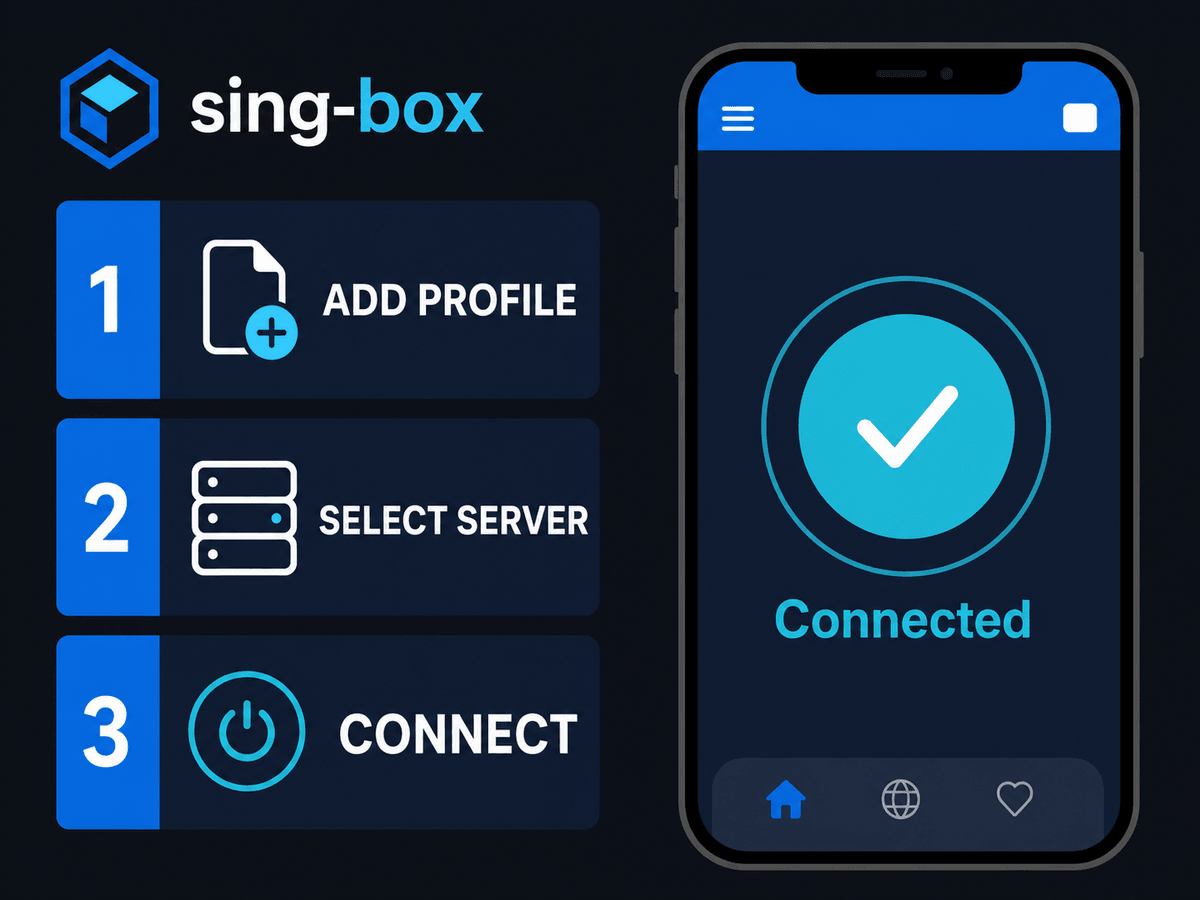
sing-box Cross-Platform
Official Project S clients for Android, Apple and desktop platformsProject S 官方维护的 Android、Apple 与桌面客户端
Step 1: Choose the Official Client
Use sing-box for Android, sing-box for Apple platforms, or sing-box for Desktop from the official client directory.
Step 2: Import the Matching Profile
On the 24VIP subscription page, use “Import to SingBox” or copy the sing-box-specific configuration. Do not rename a Clash profile to JSON; the formats are different.
Step 3: Start TUN/VPN
Save the imported profile, select it as active, then start the VPN or TUN service. Approve the system VPN permission when prompted.
第一步:选择官方客户端
请从官方客户端目录选择 sing-box for Android、sing-box for Apple platforms 或 sing-box for Desktop。
第二步:导入对应格式
在 24VIP 订阅详情页点击 “导入到 SingBox”,或复制 sing-box 专用配置。Clash 配置与 sing-box JSON 格式不同,不能只改文件后缀。
第三步:启动服务
保存并启用新配置,然后启动 VPN / TUN;系统弹出 VPN 权限请求时请选择允许。
Shadowrocket iOS Classic
Most reliable iOS client苹果生态最普及的老牌客户端 (小火箭)
Step 1: Add Link
Open the app, tap "+" at the top right, and set Type to "Subscribe".
Step 2: Save
Paste your exclusive URL into the field and tap Done.
Step 3: Routing & Connect
Set Global Routing to "Config", select a line, then toggle the main switch on to connect.
第一步:添加订阅
打开小火箭,点击右上角 "+",类型务必选择 "Subscribe" (订阅)。
第二步:保存配置
将收到的专属专线链接粘贴到 URL 框中,点击右上角完成,系统会自动拉取专线列表。
第三步:路由与连接
请将下方的全局路由模式设定为 “配置 (Config)”,选择一条专线,最后开启顶部开关即可。
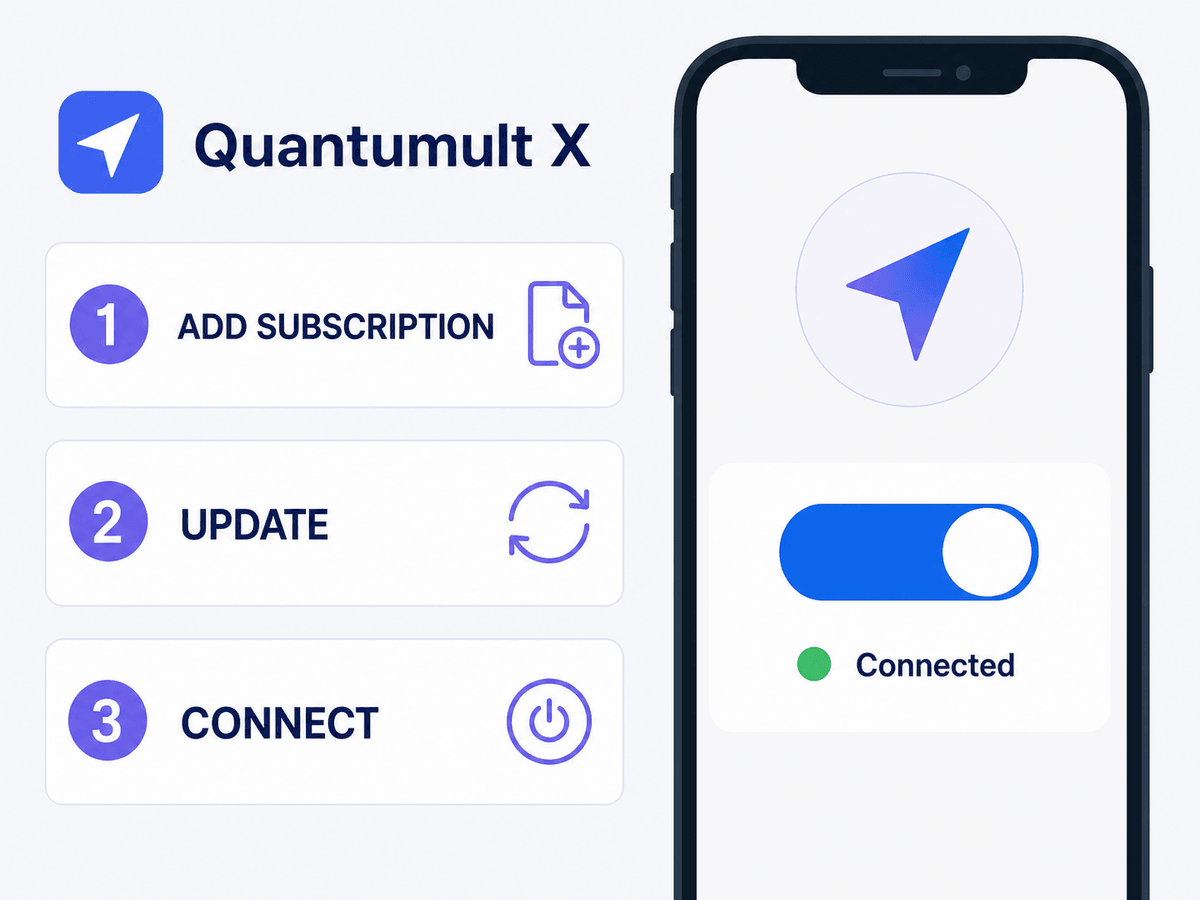
Quantumult X Apple Advanced
Advanced rule and policy client for iPhone, iPad, Mac and Apple TV适用于 iPhone、iPad、Mac 与 Apple TV 的高级规则客户端
Step 1: Install
Download Quantumult X from the App Store using an Apple ID from a region where the app is available.
Step 2: Use the App-Specific Import
Open your 24VIP subscription page and tap “Import to Quantumult X”. Confirm the system prompt, then verify that nodes or a remote resource appear inside the app.
Step 3: Enable
Select a policy/node, use the supplied rule configuration, and enable the main network switch. If no nodes appear, use Shadowrocket, Stash, Hiddify or sing-box instead.
第一步:下载安装
使用应用可用地区的 Apple ID,从 App Store 下载 Quantumult X。
第二步:使用专用导入
进入 24VIP 订阅详情页,点击 “导入到 Quantumult X” 并确认系统弹窗;打开客户端后检查节点或远程资源是否已经出现。
第三步:启用连接
选择策略或节点,保留站点下发的规则配置并开启主开关。如果没有解析出任何节点,请改用 Shadowrocket、Stash、Hiddify 或 sing-box。
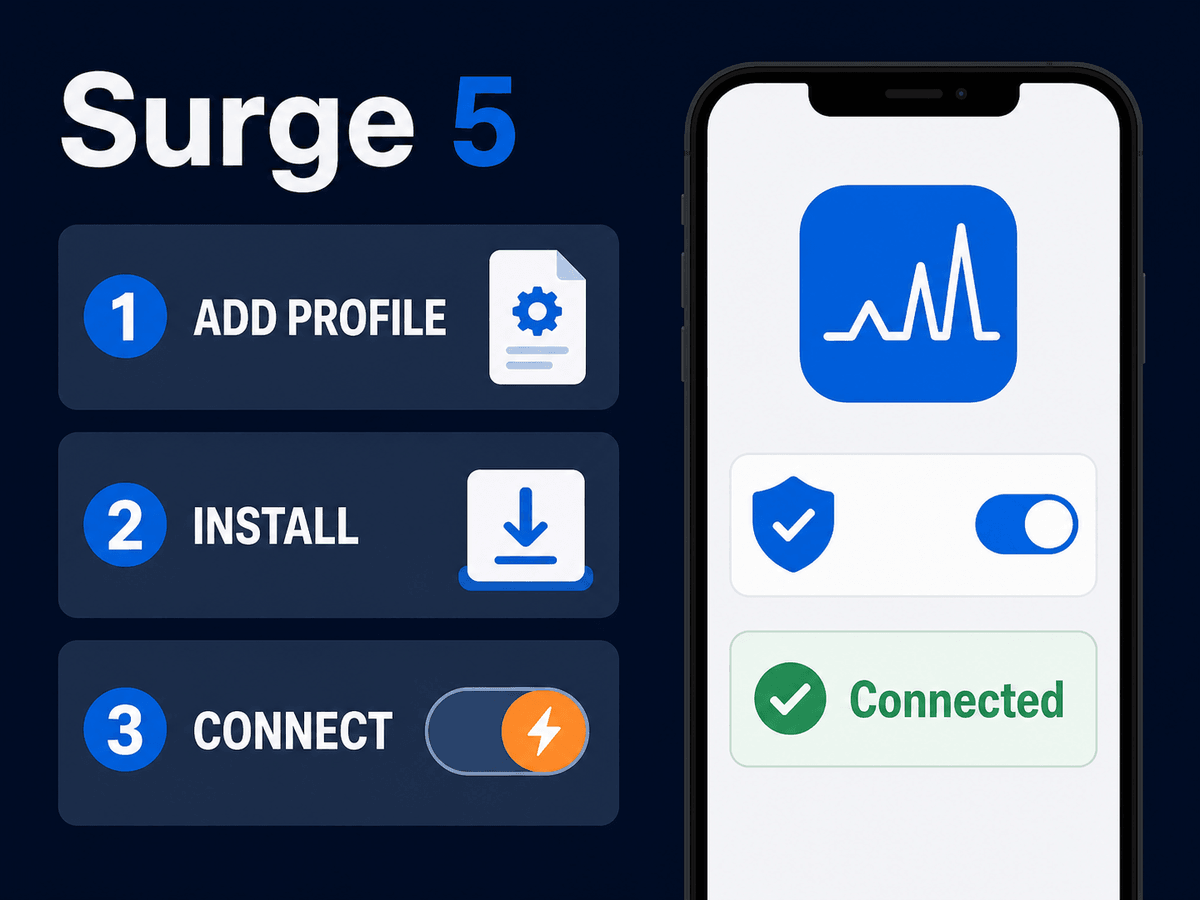
Surge 5 Apple Pro
Professional network toolbox with managed profiles and rule-based routing支持托管配置与规则分流的专业 Apple 网络工具箱
Step 1: Install
Install Surge 5 from the App Store. Surge is designed for advanced users and some functions require an in-app license.
Step 2: Import Managed Profile
Tap “Import to Surge” on your 24VIP subscription page. Confirm the profile import and check that a policy group and available proxies are listed.
Step 3: Start in Rule Mode
Select the imported profile, choose a policy, then start Surge. Keep the profile’s rule-based routing instead of forcing all traffic through one node.
第一步:下载安装
从 App Store 安装 Surge 5。Surge 面向进阶用户,部分功能需要应用内购买授权。
第二步:导入托管配置
在 24VIP 订阅详情页点击 “导入到 Surge”,确认导入后检查是否出现策略组与可用线路。
第三步:规则模式启动
启用导入的配置并选择策略,然后启动 Surge;保留配置内的规则分流,不建议强制所有流量走同一线路。
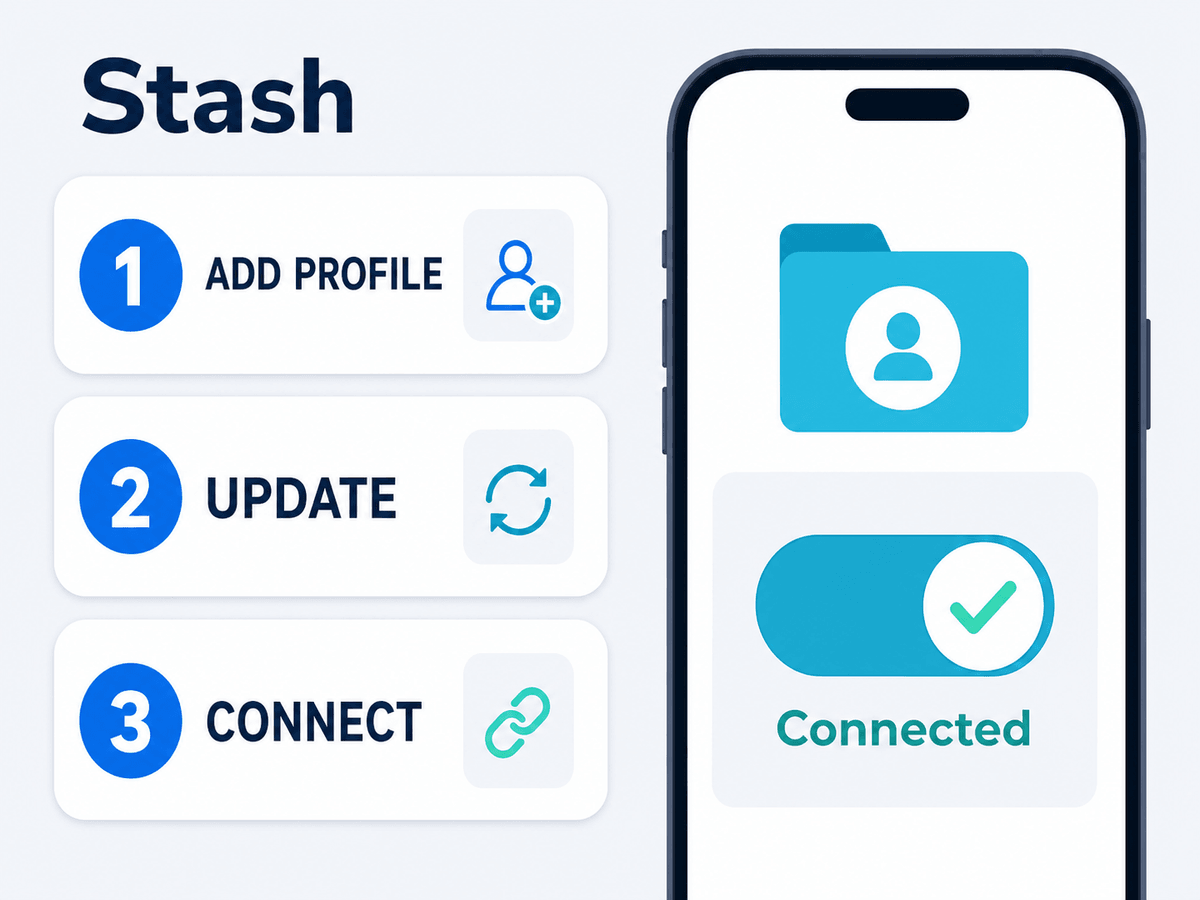
Stash Apple / Clash
Rule-based Apple client with Clash profile and modern VLESS support兼容 Clash 配置并支持现代 VLESS 的 Apple 规则客户端
Step 1: Install
Download Stash from the App Store. Availability and minimum system version depend on your Apple device and store region.
Step 2: Import Subscription
Tap “Import to Stash” on the 24VIP portal. If importing manually, open Stash, add a remote configuration, paste the Stash/Clash-format URL, and save.
Step 3: Update & Connect
Refresh the remote configuration, select a proxy group or node, keep rule mode active, and start the VPN switch.
第一步:下载安装
从 App Store 下载 Stash;应用可用地区和最低系统版本以您的 Apple 设备商店页面为准。
第二步:导入订阅
在 24VIP 订阅详情页点击 “导入到 Stash”。手动添加时,在 Stash 中新建远程配置,粘贴 Stash / Clash 格式链接并保存。
第三步:更新并连接
刷新远程配置,进入策略组选择线路,保持规则模式并开启 VPN 开关。
v2rayNG Android
Stable and efficient for Android安卓系统下稳定高效的首选工具
Step 1: Settings
Tap the menu at top left, select "Subscription settings".
Step 2: Add URL
Tap "+", paste the URL, and save (checkmark at top right).
Step 3: Update & Connect
Go back, tap the three dots at top right, select "Update subscription". Select a line and tap the 'V' icon to connect.
第一步:进入设置
点击左上角三横线菜单,选择 “订阅设置”。
第二步:添加链接
点击右上角 "+",备注填 "24VIP专线",粘贴链接并点击右上角对勾保存。
第三步:更新与连接
返回主页,点右上角三个点选择 “更新订阅”。系统拉取专线后,选中任意专线,点击右下角 V 字图标即可连接。
⚠️ Important Notice & Troubleshooting特别说明与常见排障指南
1. Proper Routing Settings1. 路由模式的选择 (至关重要)
Always use "Config" or "Rule" mode. Do not use "Global" mode, as it will route all domestic traffic through the proxy, causing app failures.无论使用何种客户端,请务必将路由模式设置为 “规则 (Rule)” 或 “配置 (Config)”。切勿开启“全局代理”,否则国内 App (如微信、淘宝、网易云) 会因判定 IP 在海外而导致功能受限或图片无法加载。
2. Domestic Apps Not Loading?2. 连接后国内 App (如淘宝) 打不开?
First confirm that Rule/Config mode is active and refresh the subscription. Do not disable Fake-IP or IPv6 by default; change DNS, Fake-IP, or IPv6 options only when support asks you to troubleshoot a specific network.请先确认已启用“规则 / 配置”模式并刷新订阅。不要默认关闭 Fake-IP 或 IPv6;只有在客服针对当前网络排障时,才修改 DNS、Fake-IP 或 IPv6 选项,避免破坏站点下发的分流配置。
3. Imported but No Nodes Appear?3. 导入成功但客户端没有节点?
The client probably received the wrong profile format. Return to the 24VIP portal and use the button named for your exact app. Clash, sing-box, Surge and Quantumult X profiles are not interchangeable.通常是配置格式不匹配。请返回 24VIP 订阅详情页,点击与当前客户端名称完全一致的导入按钮。Clash、sing-box、Surge 与 Quantumult X 配置不能互相改后缀代用。
4. Connection Failed or Timeouts4. 专线超时或连接失败
Refresh the subscription, select another available node, enable automatic date and time, and try switching between Wi-Fi and mobile data. Also close other VPN apps because only one system VPN tunnel can normally be active at a time.请依次尝试:刷新订阅、切换其他可用线路、开启系统“自动设置日期与时间”、在 Wi‑Fi 与移动网络之间切换。同时关闭其他 VPN 客户端,因为系统通常只能同时启用一个 VPN 通道。
5. Protect Your Subscription Link5. 请保护您的订阅链接
Your subscription URL is a private credential. Do not post it in screenshots, public chats, issue trackers, or third-party conversion websites. If it is exposed, regenerate or reset it in the 24VIP portal.订阅链接属于私人凭证,请勿出现在截图、公开群聊、GitHub Issue 或第三方在线转换网站中。如链接已经泄露,请立即在 24VIP 站点重新生成或重置。